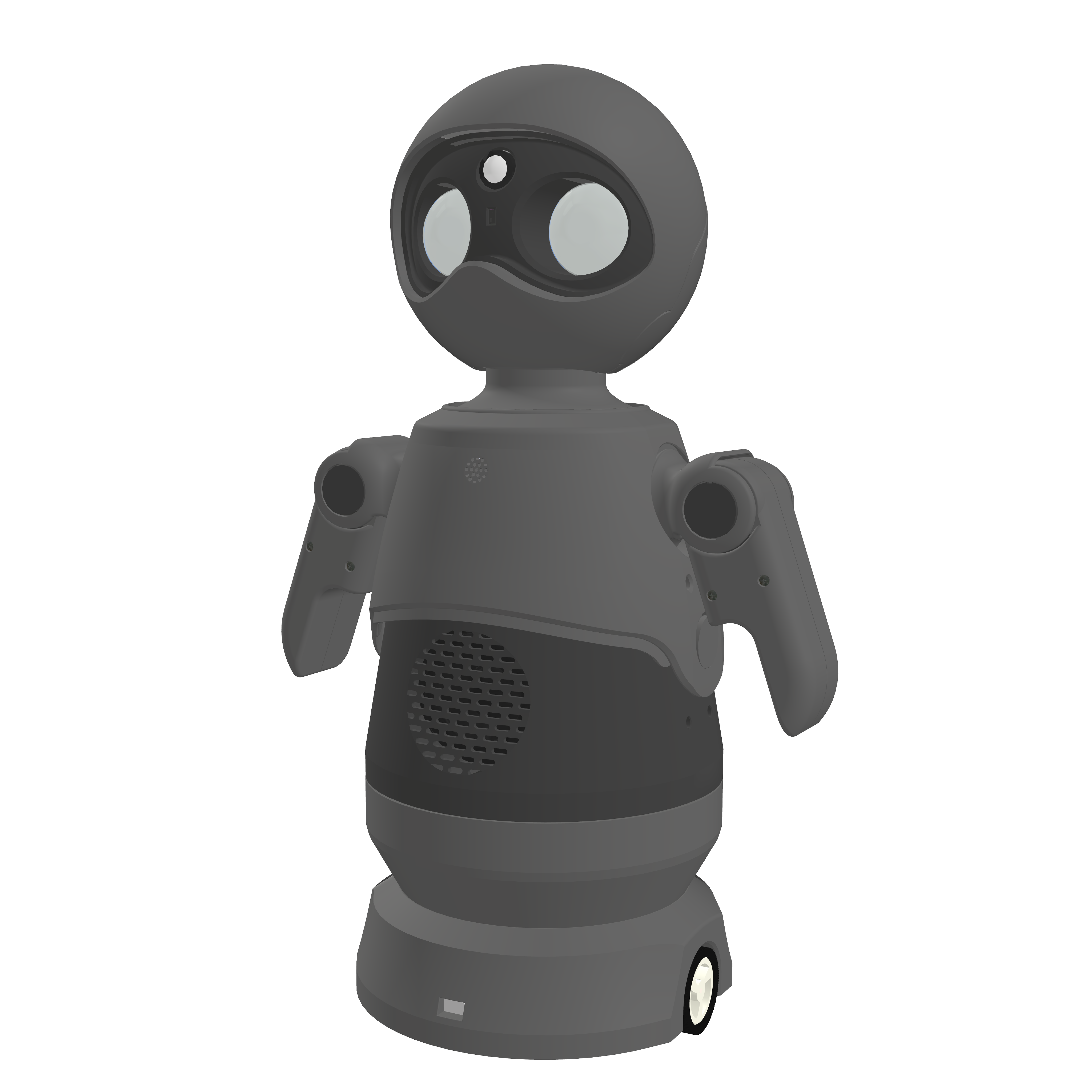
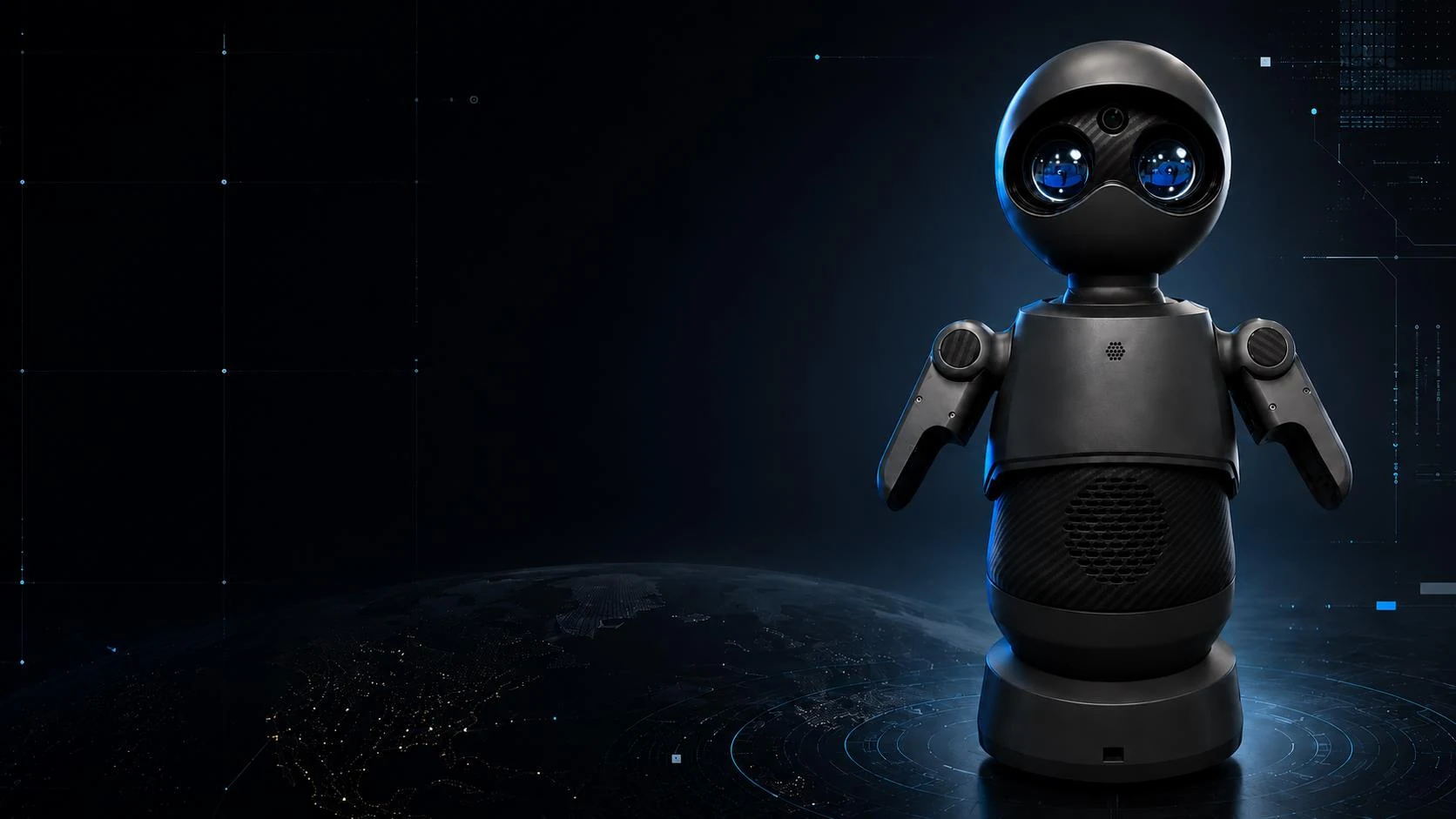
EVA robot with blue display eyes

Developed in Vladivostok

EVAEducational robot assistant

EVA helps children open up through play, helps teachers engage the class and introduces exhibition visitors to your institution. Voice conversation with Russian AI, programming in AdamStudio and control from a browser.

Online demo with the developer · 15-20 minutes

Height
322 mm
Weight
3 kg
Degrees of freedom
8
Camera
5 MP
Run time with chassis
≈ 3 h
Connectivity
Wi-Fi

Voice, gestures and display eyes. Control from a browser. A role for your task.

01Conversation and emotionsVoice, gestures and display eyes
02Web interfaceDialogue, camera and controls in the browser
03Custom roleTopics and answer style for your task
04Two versionsDesktop, or mobile with a chassis

01 Use cases

How EVA is used in education

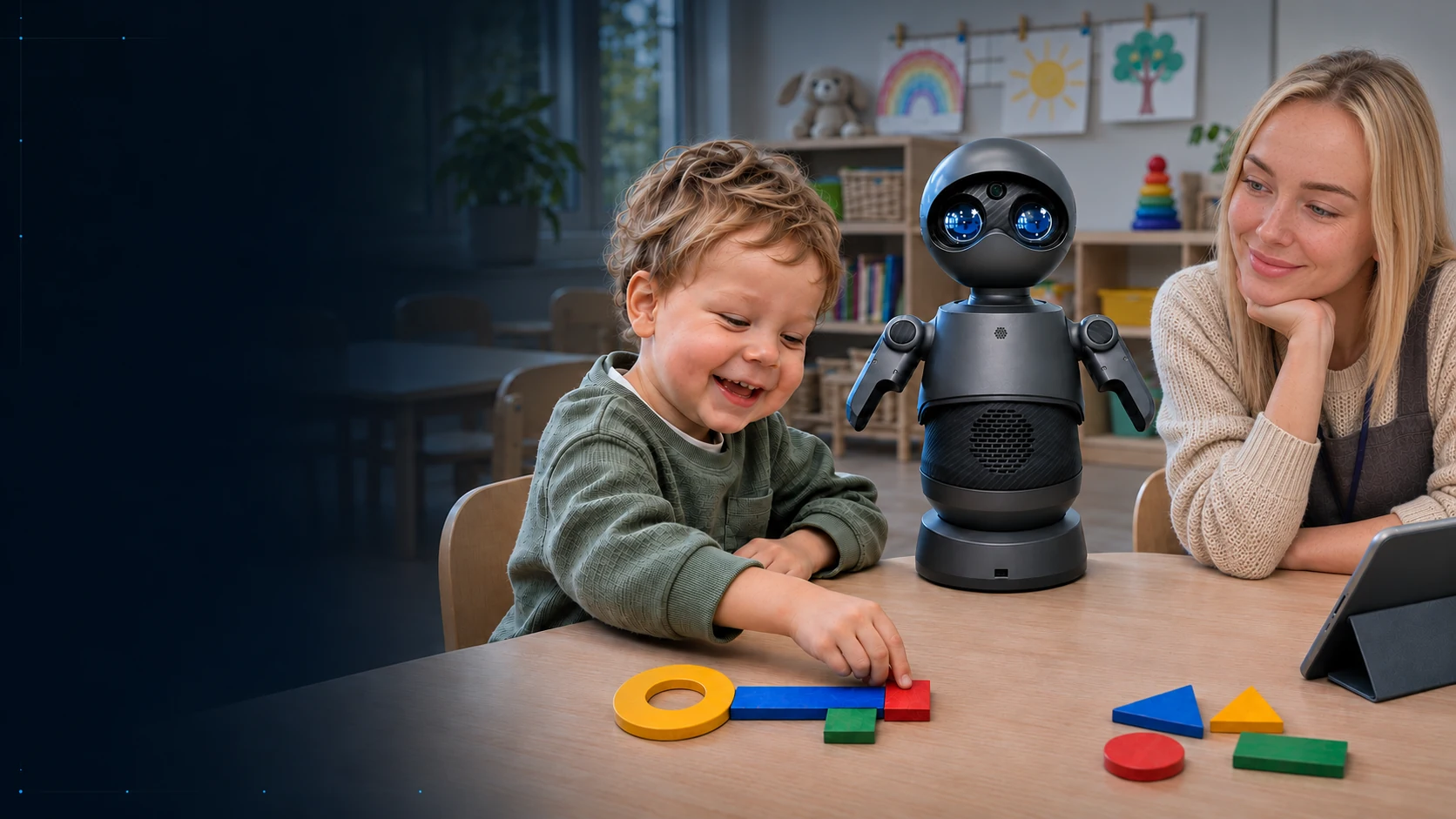
A child builds a key from shapes next to EVA and the kindergarten teacher

01 / 03

Kindergarten

In a kindergarten, EVA is first of all a helper in working with children. Through conversation and play she helps bring out their inner world, talents, interests and imagination. EVA has artificial intelligence and an appealing design; she is cute, and children trust and like her. The teacher works in tandem with EVA. Together they plan activities, learn the alphabet and poems, and tell fairy tales. EVA does not replace people. She helps and complements them.

"Five Keys" activity, early maths (FEMP) class, senior group (ages 5-6)

In the story of the activity, the children search for five keys to help Doctor Aybolit (the Russian Doctor Dolittle). A child comes up to EVA, and she asks them to find the fish with the right number, name the neighboring numbers, or lay out a "key" from geometric shapes and count them. Meanwhile, the teacher watches the child's conversation with EVA and, if needed, adjusts her actions through the built-in web interface, for example prompting EVA to ask a leading question or move on to an easier task.

Request a kindergarten demo
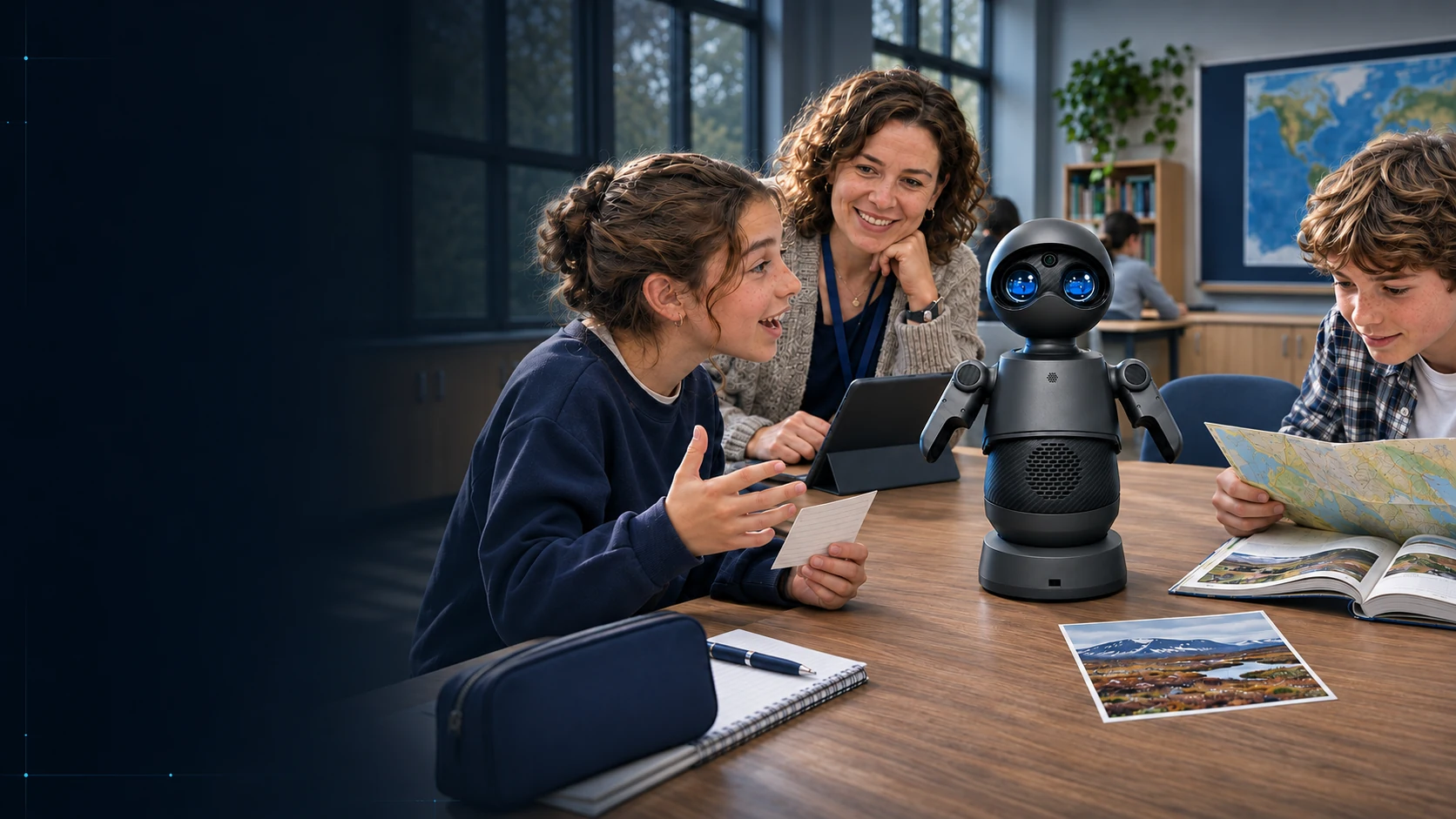
In a geography lesson, students describe a natural zone to EVA while the teacher leads the class

02 / 03

School

At school, EVA discusses more serious questions. She acts as the teacher's assistant in interactive history, literature, geography and biology lessons, working in tandem with the teacher. EVA can also be used as a programming trainer: students can test and debug a robot program on her. This is hands-on programming, where school and university students see the results of their work in real life. EVA inspires and draws students into every area of learning. She is clear proof that education and science can be truly exciting!

History. "Early farmers and herders" (Grade 5)

The class splits into two groups, and each "defends" its type of economy (foraging or food-producing). The groups ask EVA questions, and the students judge how well her answers match the historical facts, adding to them from the textbook and the map. The teacher follows the discussion and adjusts EVA's answers through the web interface to steer it.

Geography. "Natural zones of the Earth" (Grade 6)

At the review stage, each group gets a natural zone (tundra, taiga, savanna, desert), writes a five-line poem and "presents" the zone to EVA so that she can guess it. If the features are named inaccurately, EVA "fails to guess", and the students rephrase, checking the map and the textbook. The teacher runs the game through the web interface.

Biology. "Cell structure" (Grade 5)

After working with the microscope, the teacher starts a game of "biology ping-pong" with EVA. She names an organelle ("chloroplast", "nucleus"), and a student says which cell has it (plant, animal or fungal) and why. The teacher follows the answers and adjusts EVA through the web interface if needed.

Request a demo for a school or tech park
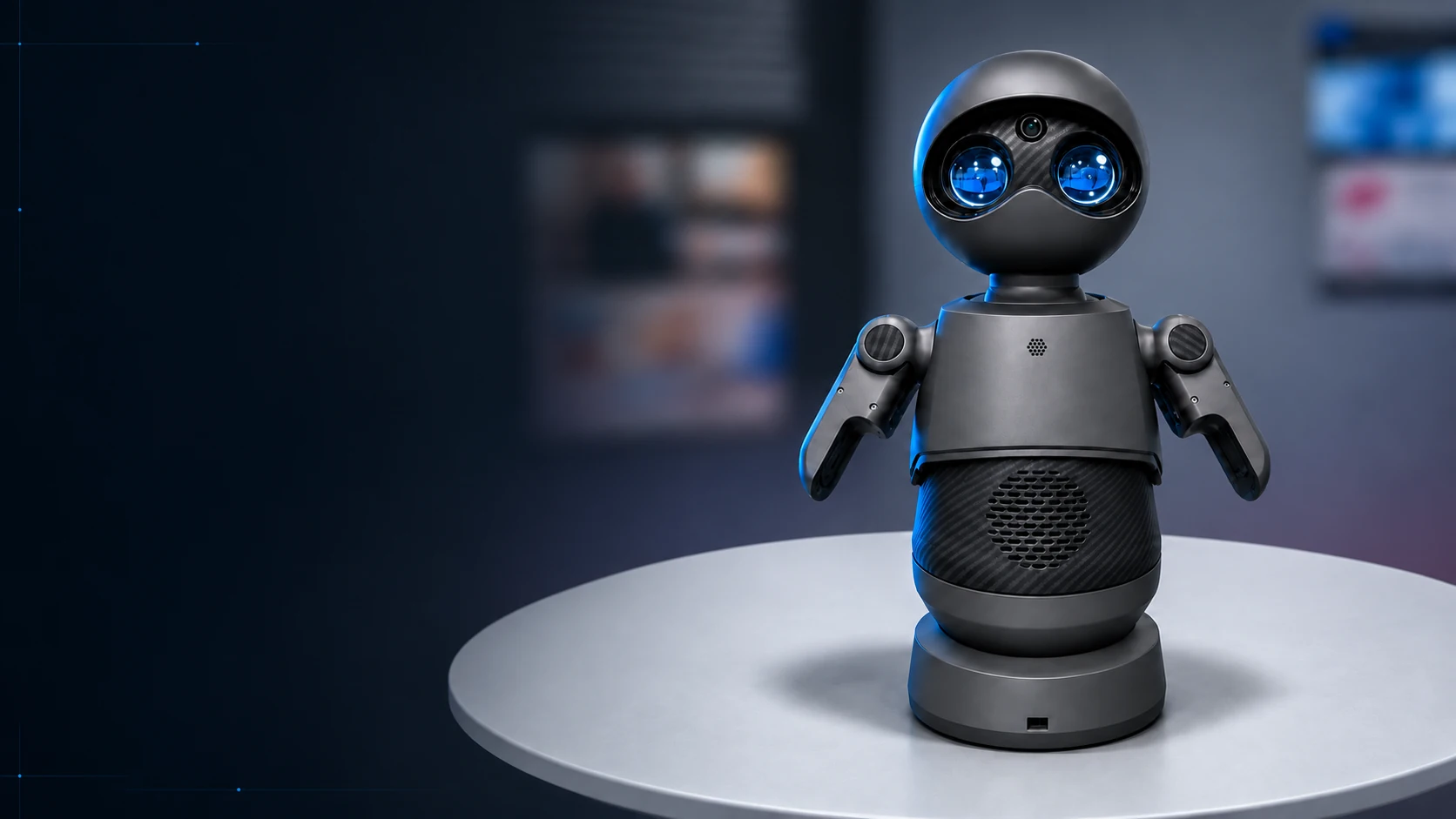
EVA robot on a table at an exhibition stand

03 / 03

Exhibition

At exhibitions, EVA represents your educational institution and its programs. She talks about your areas of study, answers visitors' frequent questions and helps them find their way. Live conversation with a robot draws attention to the stand. Visitors come up, talk to EVA and take photos as a keepsake, and your institution becomes a standout spot at the event. Even without internet access, EVA keeps working offline with a script prepared in advance. She tells visitors about you, your programs and your strengths, so the stand does not lose visitors.

Example at an education fair

EVA greets visitors and offers a "tour". She talks about the areas of study and answers prospective students' questions ("What clubs are there?", "How do I apply?", "Is there a dormitory?"). Even if the connection drops, visitors keep getting answers: EVA switches to a script prepared in advance, and the conversation at the stand carries on.

Discuss EVA for an exhibition

02 Conversation and emotions

Give EVA a role

EVA holds voice conversations using a Russian GPT model. Set her role, topic and answer style for your audience. AI conversation requires an internet connection.

What you can prepare in advance

Role
A kindergarten teacher's helper, a partner in an interactive lesson or your institution's representative at an exhibition.
Context
The lesson topic, your organization's name, the event program and what visitors see at the stand.
Answer style
Short phrases for preschoolers, discussion questions for a lesson or explanations for stand visitors.

Sample setup and reply

Instruction for EVA

Help the teacher make up a fairy tale from words that start with the letter F. Pick up on the children's ideas and ask what happens next.

Sample reply

“A fox found a funny boat by the forest river. Who do you think she will invite along?”

03 Control and programming

EVA's web interface

Control the robot from a browser on a desktop, laptop or smartphone. The device needs network access to the robot.

01

Camera and sound

Turn on the camera feed and adjust the volume. An operator can use the microphone to speak through the robot.

02

AI and scripts

Start voice conversation mode. Set a role, prepare a greeting and check the answers before the lesson or event.

03

Movement and emotions

Control movements with a virtual joystick and change the emotions on the displays. Moving around the venue requires the version with the chassis.

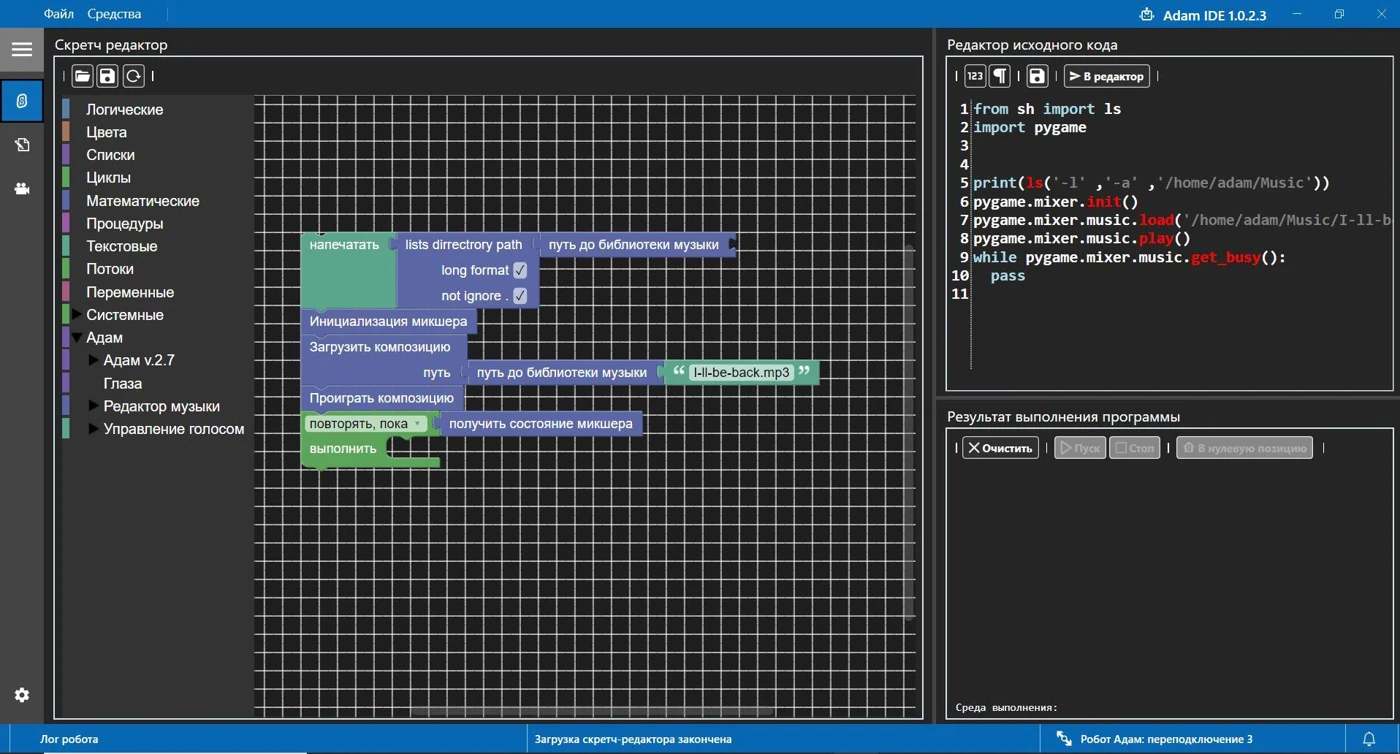
AdamStudio interface with Blockly blocks and a code editor
AdamStudio · Blockly and Python

Scripts in AdamStudio

Build a sequence of movements, lines and emotions from Blockly blocks, or write it in Python. Run the program on EVA and see how the robot carries out the commands. You can create your own animations in Blender 3D.

See the school use cases
EVA on a terrace next to guests

EVA does not replace people. She helps and complements them.

04 Versions

EVA with or without a chassis

Choose the desktop version if EVA will stand on a table or counter. If she needs to move around the venue, you need the version with the chassis.

Desktop EVA without a chassis

01 Desktop

Base version

Height 322 mm. Suits a teacher's desk, a classroom or a reception counter.

  • EVA robot
  • 12 V, 3 A power supply
  • Software and technical documentation
Request the base version
Mobile EVA with a wheeled chassis

02 Mobile

Extended version

Height 364 mm. The wheeled chassis lets you drive the robot around the venue.

  • Everything in the base version
  • Chassis and Xbox 360 controller
  • 12.6 V, 3 A charger
Request the mobile version

AI, script setup, team training and delivery are agreed separately in the quote. Online training and on-site setup are available.

05 Technical specifications

EVA specifications

Figures from the 2026 technical description.

8degrees of freedom
3 kgrobot weight
5 MPcamera
2 × 10 Wspeakers
Dimensions, W × H × D219 × 322 × 150 mm without chassis
219 × 364 × 150 mm with chassis
Display eyesTwo 1.28″ displays, support for animated GIF emotions
Camera and microphone5 MP camera, 1080p sensor resolution, 130° diagonal field of view. Digital USB microphone with noise cancellation
Sensors and recognitionTwo infrared distance sensors, a color sensor, face recognition
Compute moduleBroadcom BCM2711, quad-core Cortex-A72, 8 GB RAM
Voice and audioSpeech recognition and synthesis, playback of uploaded audio files
Connectivity and control2.4 GHz Wi-Fi, web interface. Physical Xbox 360 controller in the mobile version
Mobile versionSpeed up to 30 cm/s. Battery run time about 3 hours per the technical specification
Operating temperature+10 to +40 °C
ColorsGray, black, white and blue. Availability confirmed when ordering

06 Demo and launch

From demo to first lesson

ROBOT LLC develops robots and software in Vladivostok. EVA was presented at the HICOOL 2026 forum in Beijing.

01

See it in 15-20 minutes

In an online demo, the developer will show conversation, emotions and browser control. Bring a question or a short scenario you would like to go through.

02

Agree on the supply

Tell us the participants' age and number, where the robot will be installed and what it should do. Based on this, we will select the version, software package, training and delivery.

03

Run the scenario on site

We provide instructions and help with setup and team training to the agreed extent. Online support is available after launch.

Book an online demo

07 FAQ

What to check before buying

Is EVA suitable for a kindergarten?

Yes. The teacher leads the activity, and EVA helps children learn the alphabet, memorize poems and make up fairy tales together.

Does the teacher need to program?

For voice interaction, it is enough to choose a role and prepare the lesson topic. Running a script can be covered during the demo, and team training can be agreed in the quote.

Which devices can control EVA?

A desktop, laptop or smartphone, through a browser. Connect to the network the robot is on and open its web panel.

Which version of EVA can move around?

The wheeled chassis comes with the extended version. The base version is designed to stand on a table or counter.

Does EVA need the internet?

Voice conversation with AI requires an internet connection. Offline, EVA can play back a lesson or presentation script prepared in advance.

How do I find out the price and delivery time?

Choose a version and describe your task. We will prepare a quote with the price, lead time and terms for AI access and training.

Demo and supply

Meet
EVA

In a 15-20 minute online demo, we will go through your task and show EVA in action. Tell us about the venue, the participants' age and the scenario you need, so we can work out the version, setup and delivery.

+7 914 707-61-55robotltdco@gmail.comTelegram ↗VK - ADAM community ↗Instagram · robot.ltd.co ↗ROBOT LLC, Vladivostok

Request a quote

Prepare an email to robotltdco@gmail.com and send it from your own mailbox.

Get a quote ↗☎

EVA request

Your email is ready

Open your email, check the message and send it to robotltdco@gmail.com.

Open email ↗